 STACKMODE
Stackmode builds websites around clarity, trust, proof, mobile flow, and search intent so the page does more than just sit there.
Quick Answer: The Best Websites Make The Next Decision Easy
The most important features of a website are not random design extras. They are the parts that help a cold visitor understand what you do, trust you faster, and take the next step without friction. If the first screen is vague, the call to action is buried, the proof feels weak, or the mobile view is frustrating, the website loses even if it looks modern.
A strong website usually does six things well: it names the offer clearly, shows an obvious next step, proves the business is real, structures services in a way people can scan, works well on mobile, and gives search engines enough clarity to understand the page. Everything else should support those jobs.
Featured snippet answer: the most important website features are a clear headline, a visible call to action, trust signals, service structure, mobile usability, and SEO-ready content. The page should reduce confusion first, then persuade.
Watch the Video
Watch the full breakdown first if you want the fast explanation, then use the written version below as a checklist when you audit your own homepage, service pages, and mobile layout.
If the player does not load, open the full video on YouTube.
Prefer YouTube? Open the website features video directly.
The Core Features That Matter Most
1. A headline that names the offer
The first screen should explain what the business actually does instead of hiding behind generic phrases like quality service or trusted solutions.
2. A CTA that is impossible to miss
If the visitor is ready to call, book, shop, or request a quote, the path should already be visible on desktop and mobile.
3. Proof that feels specific
Reviews, before-and-after visuals, trust badges, credentials, product context, or service-area signals help people feel the business is real.
4. Service structure people can scan
Visitors should be able to understand the main categories, not dig through a paragraph trying to decode the offer.
5. Mobile usability
Most local and social traffic arrives on a phone, so the menu, CTA, proof, and reading flow need to stay easy on a smaller screen.
6. SEO clarity
Good headings, internal links, useful page copy, image alt text, and topic-focused sections help both search engines and real people understand the page.
The order matters. If a page looks stylish but still makes the visitor ask what is this, can I trust this, or where do I click, the design is not doing its job yet.
Real Website Examples
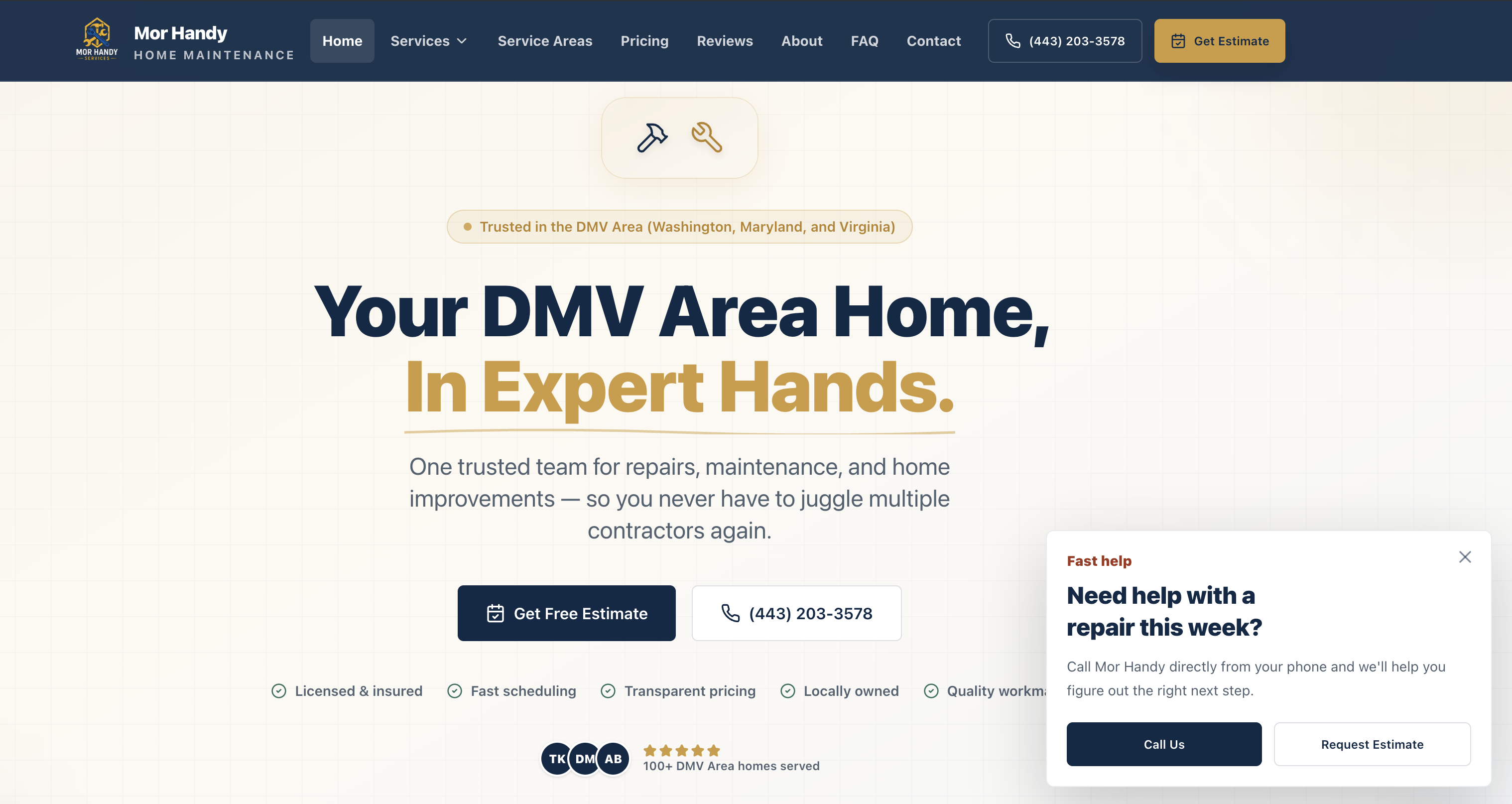
These examples all solve the same problem in slightly different ways. They make the business understandable quickly and give the visitor a clean next step. The visual language changes, but the underlying structure stays disciplined.
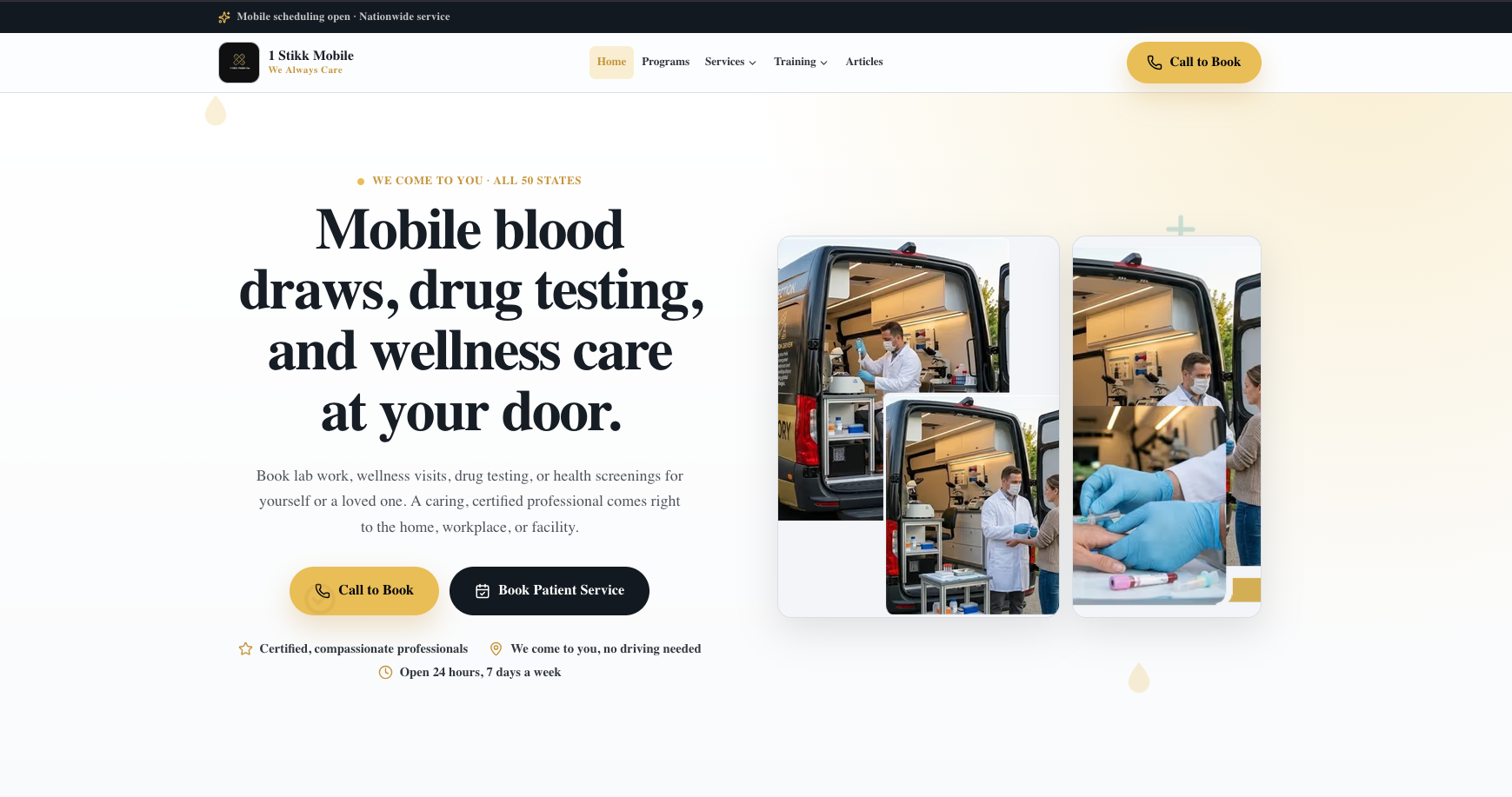
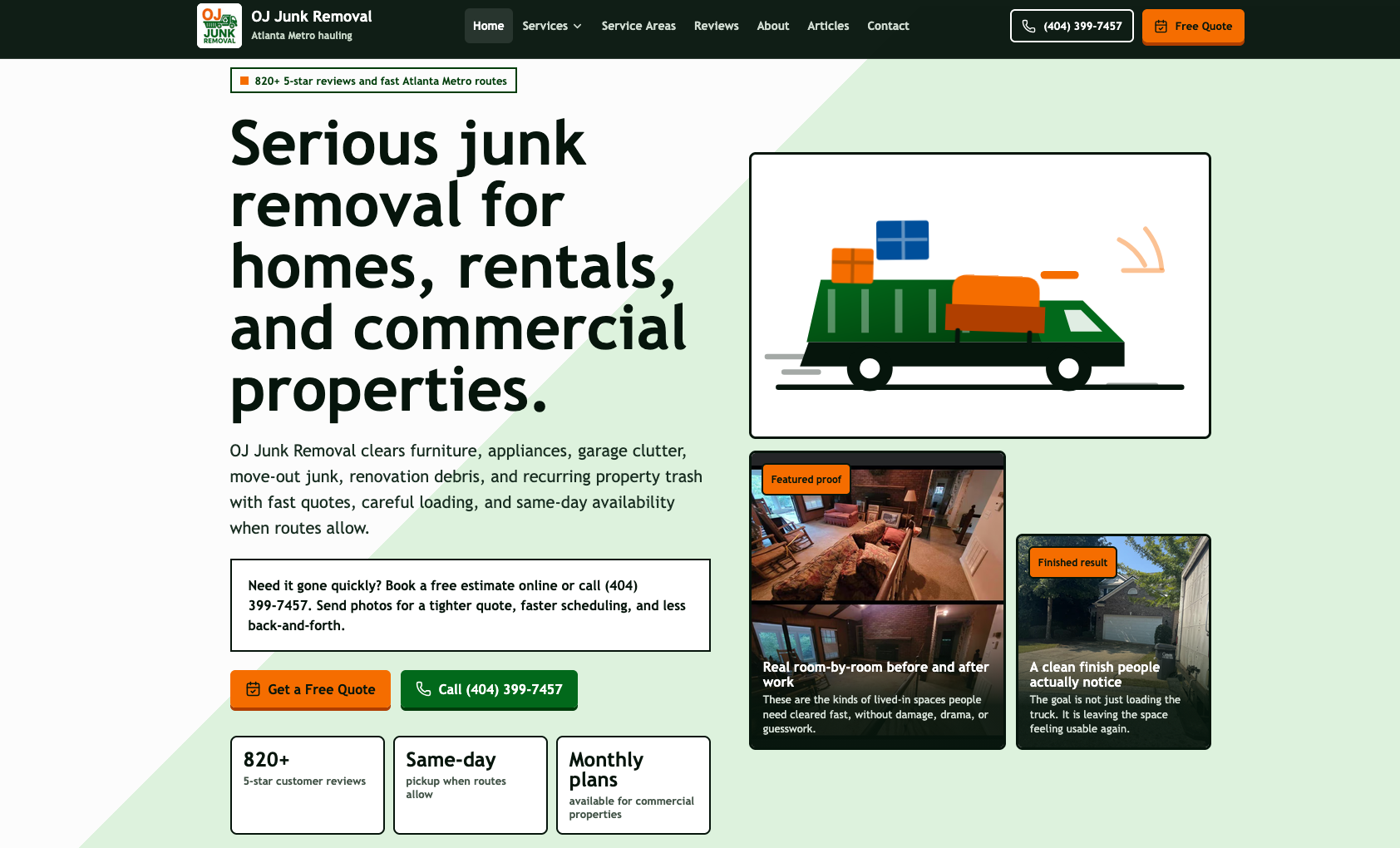
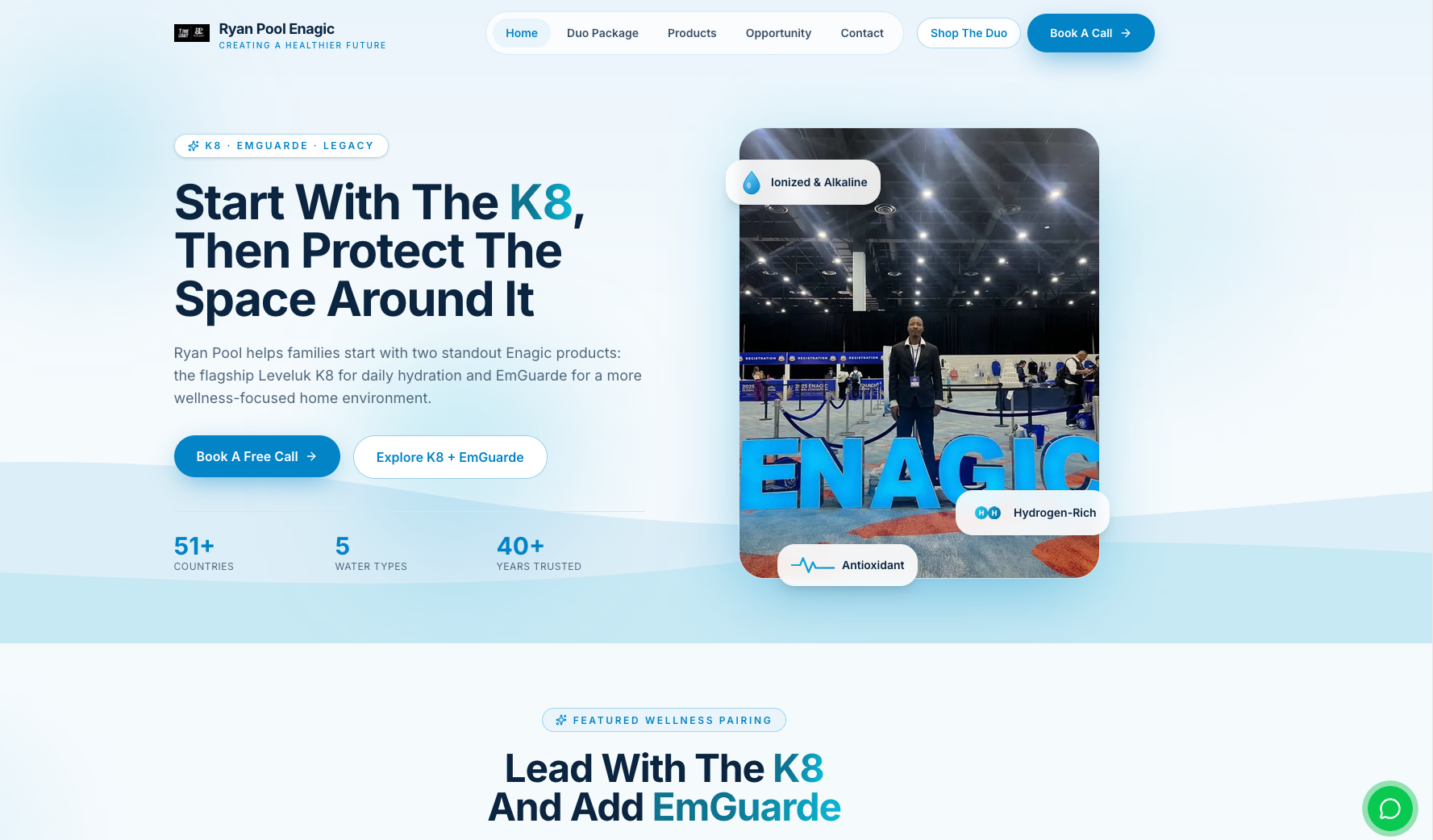
Notice the pattern: each page explains the offer fast, keeps the primary action visible, and supports the claim with something concrete. That is the part many weak websites miss. They try to impress before they explain.
Why Mobile Still Decides Whether The Website Works
A desktop design can hide a lot of problems. Mobile exposes them immediately. If the hero image overwhelms the copy, the buttons disappear below the fold, the service list gets cramped, or the proof cards crop badly, the site starts leaking attention and clicks.
- Keep the first message readable without relying on tiny supporting text.
- Make the call, quote, or booking action easy to hit with a thumb.
- Use screenshots and proof images that stay legible without awkward cropping.
- Trim decorative clutter if it competes with the conversion path.
- Make sure service and review sections still scan cleanly on narrow screens.
That is why this article uses contained screenshot framing instead of aggressive cropping. Website previews should stay visible and readable, not get zoomed into a random corner just to fit a card.
Common Website Mistakes That Cancel Out Good Design
- Using vague copy that never clearly states the service or product.
- Hiding the main CTA in a menu or below too much filler.
- Showing proof that is too small, too cropped, or too weak to mean anything.
- Letting the homepage do all the work instead of building useful internal pages.
- Designing for desktop first and treating mobile like an afterthought.
- Publishing a good-looking site that still has weak metadata and unclear page structure.
Honest limit: a strong website improves your odds, but it does not guarantee sales by itself. Offer quality, traffic quality, follow-up speed, pricing, and market fit still matter. The point is to stop the website from being the thing that drags everything else down.
If you want a related breakdown, read How to Build a Custom Website and Building A Handyman Repair Website Using Codex 5.6 In One Sitting.
FAQ
What is the most important feature on a website?
The most important website feature is clarity on the first screen: the visitor should immediately understand what you do, who it is for, why they should trust you, and what to click next.
Does a website need more than a nice design?
Yes. Good design matters, but conversion also depends on offer clarity, CTA placement, trust signals, mobile usability, service structure, page speed, and search-friendly content.
Should every website use the same layout?
No. The layout should match the business, but the underlying job stays similar: reduce confusion, build trust quickly, and guide the visitor into the next useful action.
Can one homepage fix everything?
No. A strong homepage helps, but many businesses still need service pages, proof sections, FAQs, internal links, and location-specific structure if they want stronger search and better lead quality.
The fastest audit is simple: open your homepage on your phone and check whether a stranger could explain your offer, trust you, and find the next step in under ten seconds.
Need A Website That Actually Pulls Calls?
Pick one clean next action instead of bouncing around the site.
Websites & Ads
Websites & Ads Design/Management
Book the website and Meta ads lane for design, SEO structure, conversion flow, and ongoing management.
Trading
1-on-1 Trading Mentorship $100/hour
Direct educational mentorship with StackmodeChris on planning, risk, execution, and review.
Academy
Join The Academy $50/month
Get the ongoing business, marketing, technology, and trading education path inside the full Stackmode Academy.